
Latest Cameras in Turquía
 Besiktas


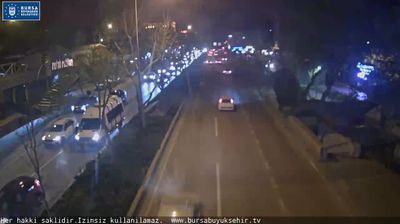




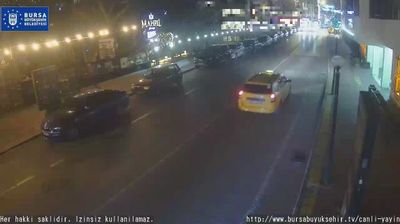
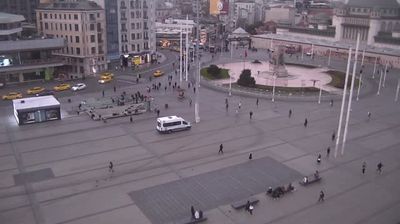
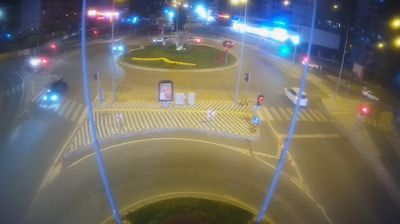






Explore Regions in Turquía
📍 Adana
📍 Adıyaman
📍 Ağrı
📍 Aksaray
📍 Amasya
📍 Ankara
📍 Antalya
📍 Artvin
📍 Aydın
📍 Balıkesir
📍 Bartın
📍 Batman
📍 Bayburt
📍 Bilecik
📍 Bingöl
📍 Bitlis
📍 Bolu
📍 Burdur
📍 Bursa
📍 Canakkale
📍 Çankırı
📍 Çorum
📍 Denizli
📍 Diyarbakır
📍 Düzce
📍 Edirne
📍 Elazığ
📍 Erzincan
📍 Erzurum
📍 Eskişehir
📍 Gaziantep
📍 Giresun
📍 Gümüşhane
📍 Hatay
📍 Isparta
📍 Istanbul
📍 Izmir
📍 Kahramanmaraş
📍 Karabük
📍 Karaman
📍 Kars
📍 Kastamonu
📍 Kayseri
📍 Kırklareli
📍 Kırşehir
📍 Kocaeli
📍 Konya
📍 Kütahya
📍 Malatya
📍 Manisa
📍 Mardin
📍 Mersin
📍 Muğla
📍 Muş
📍 Nevşehir
📍 Niğde
📍 Ordu
📍 Rize
📍 Sakarya
📍 Şanlıurfa
📍 Sinop
📍 Sivas
📍 Tekirdağ
📍 Tokat
📍 Trabzon
📍 Tunceli
📍 Uşak
📍 Van
📍 Yalova
📍 Yozgat
📍 Zonguldak
Why Visit Turquía Virtually?
Planning a trip to Turquía? Or maybe you just miss home? Our curated list of live streams provides high-quality views of the local regions and cities. Check the live weather, see what locals are up to, and enjoy the beautiful views 24/7.

About Turquía
Turquía, formalmente República de Turquía, es un país transcontinental, con la mayor parte de su territorio situado en Asia Occidental y una menor en Europa Oriental, extendiéndose por toda la península de Anatolia y en Tracia Oriental por la zona de los Balcanes.
📖 Read more on WikipediaFrequently Asked Questions
Webcam.beer is a premium global directory of live streaming webcams. We curate and index thousands of real-time cameras from around the world, allowing you to instantly check weather conditions, explore famous tourist spots, view city traffic, and discover beautiful landscapes all in one place.
Yes! The vast majority of the cameras in our network are real-time, live video streams. Some remote or scientific cameras may provide frequently updated high-resolution imagery due to bandwidth constraints in those specific locations.
Absolutely. Browsing, watching, and exploring the webcams on our platform is 100% free. You do not need to pay or create an account to view the live streams.
We love community contributions! You can easily submit a live stream by clicking the 'Add Cam' button in the main menu. Once submitted, our moderation team will review the camera to ensure it meets our quality and safety guidelines before it goes live on the platform.