Tijuana: San Ysidro Border Crossing
 Tijuana, México
Real-Time Environment
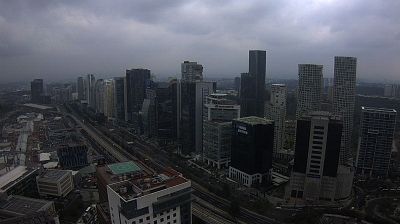
Welcome to the live streaming webcam for Tijuana: San Ysidro Border Crossing, perfectly situated in the vibrant region of Tijuana, México. Watching this live camera allows you to instantly experience the local atmosphere and monitor current climate conditions.

About Tijuana
Tijuana es una ciudad mexicana, cabecera del municipio homónimo y la más poblada del estado de Baja California. De acuerdo con el censo de 2020, contaba con una población de 1'810,645 habitantes, lo que la sitúa como la segunda ciudad más poblada de México. También es, la ciudad costera y fronteriza más poblada del país. Su zona metropolitana, integrada junto con los municipios de Playas de Rosarito y Tecate, es la sexta más grande del país y la mayor en la zona fronteriza con Estados Unidos.
📖 Read more on Wikipedia📍 Location Facts
-
Country
 México
- Region Baja California
- City Tijuana
- Coordinates 32.5417°N, -117.0278°E
Have you been to Tijuana?
Help the community! Share your experience, tell us about the weather, or upload your own photos from this exact location.